
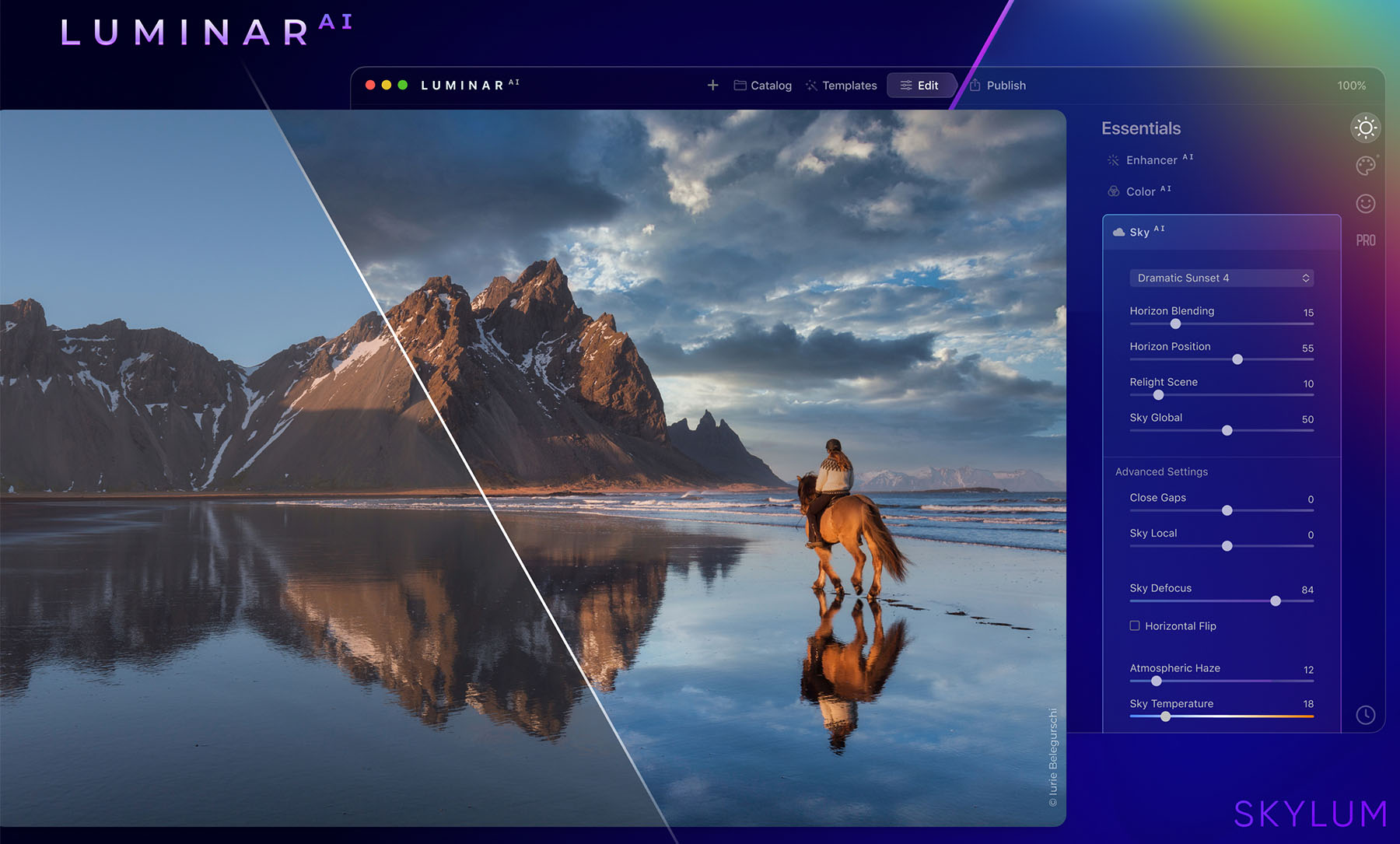
When it comes to photo editing, most people think of complex software like Photoshop that takes years to master. But what if you could achieve professional-quality edits in just a few clicks?
That’s exactly what Skylum’s Luminar Neo promises — and it delivers beautifully.
In this review, we’ll dive deep into what Luminar Neo offers, how it performs, and why it’s one of the most talked-about AI photo editors on the market today.
🌟 What Is Skylum?
Skylum (formerly known as Macphun) is a trusted software company founded in 2008 by a team of photographers and developers from Ukraine.
Their mission is simple — to make photo editing easier, faster, and more creative for everyone.
Over the years, Skylum has built a solid reputation with award-winning products like:
- Luminar Neo — their flagship AI photo editor
- Aurora HDR — designed for high dynamic range photography
- Photolemur — an automatic photo enhancer for beginners
But it’s Luminar Neo that truly stands out and puts Skylum on the map of modern creative tools.
🧠 What Makes Luminar Neo Special?
Luminar Neo combines artificial intelligence with an easy-to-use interface that simplifies complex editing tasks.
Even if you’re new to photo editing, you can create stunning results in minutes.
✨ Key Features:
- Sky AI – Replace dull skies automatically with realistic clouds and lighting.
- Relight AI – Adjust the light balance and exposure on specific parts of your photo.
- Portrait Bokeh AI – Add beautiful background blur to portraits just like a DSLR camera.
- Remove Dust Spots & Power Lines – Clean up your images instantly with one click.
- Presets & Templates – Use built-in looks for quick, professional results.
Whether you’re a travel photographer, content creator, or just someone who loves taking great photos, Luminar Neo gives you the power to edit like a pro — without the steep learning curve.
💻 Performance and Ease of Use
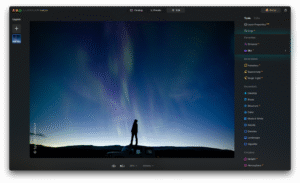
The interface is modern, clean, and easy to navigate. You’ll find three main workspaces:
Catalog, Presets, and Edit — each designed to keep your workflow simple and organized.
Editing RAW images is smooth, and AI tools process surprisingly fast, though heavy files may slow down older computers a bit.
Still, compared to many traditional editors, Luminar Neo feels refreshingly simple and intuitive.
💰 Pricing and Licensing
One of the biggest advantages of Luminar Neo is flexibility in pricing.
You can choose between:
A Lifetime License (one-time payment)
Or a Subscription Plan with continuous updates and new AI features.
Skylum often runs discounts or seasonal offers, so keep an eye out for promotions on their official website
👍 Pros and 👎 Cons
✅ Pros:
- AI tools that save you hours of manual editing
- Beginner-friendly interface
- Lifetime license option (no subscription pressure)
- Excellent results with landscapes and portraits
- Works on both Windows and macOS
❌ Cons:
- Slightly slower performance with large RAW files
- Some advanced pros might prefer more detailed layer control
- Requires a good GPU for best AI speed
🏁 Final Verdict
Luminar Neo by Skylum is one of the most impressive AI photo editors available in 2025.
It offers a perfect balance of simplicity, creativity, and power — making it ideal for anyone who wants professional-grade photos without complicated workflows.
If you’re serious about enhancing your photography or content creation, Luminar Neo is absolutely worth trying.
👉 Visit Skylum.com to explore Luminar Neo and see the magic yourself.